Resources
How to Apply for and Set Up the Google Ad Grant (US & UK Guide)
If you run a nonprofit or charity and want to expand your digital reach without spending a fortune, the Google Ad Grant is an incredible opportunity. Google provides $10,000 (approx. £8,000) per month in free advertising credit to eligible organisations to help drive awareness, attract donors, and promote your cause online.
This step-by-step guide is designed for both US nonprofits and UK charities, with region-specific instructions where needed.
What Is the Google Ad Grant?
The Google Ad Grant is part of the Google for Nonprofits programme. It gives eligible organisations a monthly advertising budget on Google Search to help boost their visibility and impact.
You can use this to:
- Promote programmes and events
- Drive traffic to your website
- Raise donations and recruit volunteers
- Share educational resources and more
Step 1: Register for Google for Nonprofits
Before applying for the Ad Grant, you must register your organisation with Google for Nonprofits.
Eligibility Criteria:
| Region | Requirements |
|---|---|
| US | Must be a registered 501(c)(3) nonprofit with a valid EIN (Employer Identification Number) |
| UK | Must be a registered charity with a valid charity number (from the Charity Commission, OSCR, or NI Charity Commission) |
Note: Government entities, schools, academic institutions, and healthcare organisations are not eligible in either country.
How to Apply:
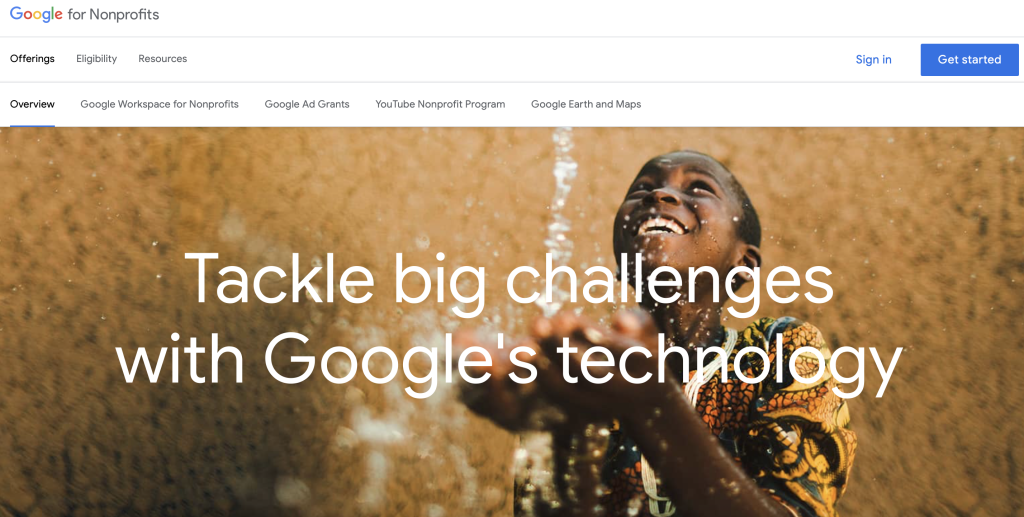
- Go to Google for Nonprofits and click Get Started.
- Sign in with the Google account you plan to use to manage your nonprofit tools.
- Click “New Request” to begin the application.
Step 2: Verify Your Organisation with GoodStack
Google partners with a third-party organisation called GoodStack (formerly Percent) to verify your nonprofit or charity status.
You’ll Need:
- US: EIN number and 501(c)(3) documentation
- UK: Registered charity number and legal name
- Basic contact information (email and phone)
- Optionally, proof of charitable status (if requested)
GoodStack will:
- Check your eligibility
- Send a confirmation email for verification
- Possibly email your charity’s official contact (like info@ or admin@) to approve your application
Timeframe: Most verifications are completed within 2–5 working days, but allow up to 14 days.
Step 3: Activate Your Google for Nonprofits Account
Once your organisation is verified, you’ll receive a welcome email from Google.
To activate:
- Visit google.com/nonprofits
- Select Activate Products
- Choose from available tools, including:
- Google Workspace for Nonprofits
- YouTube Nonprofit Programme
- Google Ad Grants
Step 4: Apply for the Google Ad Grant
Once your Google for Nonprofits account is active, you can begin the Ad Grant application.
Requirements:
- A live, secure website (HTTPS) with relevant content that reflects your mission
- Compliance with Google Ad Grants policies (e.g. no commercial ads, no broken links)
- A willingness to build mission-driven ads using Google Ads tools
Application Steps:
- Enter your website address
- Ensure your domain has SSL (secure padlock in the browser)
- Watch the short Google Ad Grants welcome video
- Tick the box to confirm you’ve watched the video
- Click Submit Activation Request
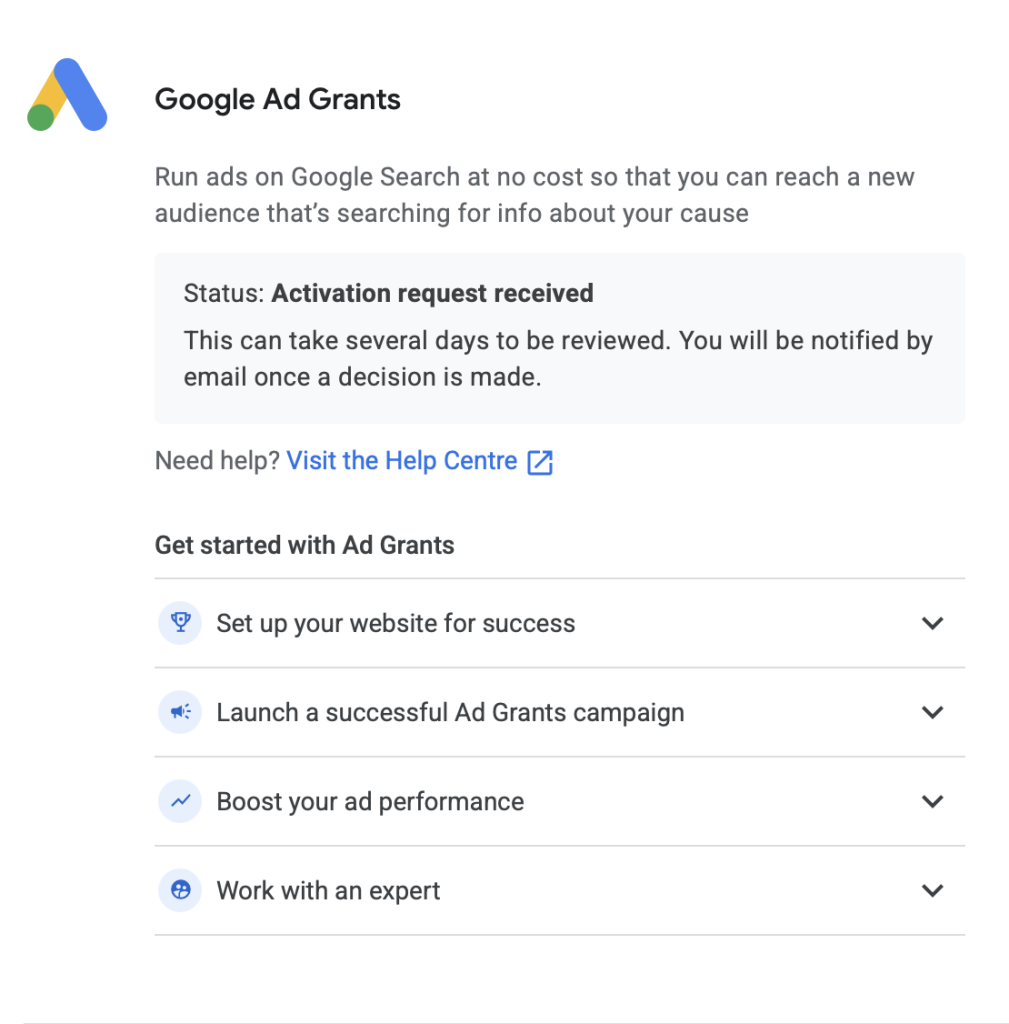
Step 5: Wait for a Response
After submitting your application, Google will respond within 3 working days.
- ✅ If Approved: You’ll receive an email with your Google Ads account details, and you can begin setting up campaigns.
- ❌ If Denied: You’ll get a detailed explanation (e.g. insecure site, content issues, eligibility problems).
Don’t worry, you can reapply after fixing any issues, and there’s no limit to how many times you can submit. It’s usually a pretty simple fix.
What’s Next?
Once approved:
- Set up campaigns relevant to your mission
- Track performance (Google requires at least one conversion per month)
- Maintain account quality and follow policy guidelines
You now have access to $10,000/month (approx. £8,000) in ad credits to reach new audiences and make a bigger impact!
Quick Tips for Success
- Always use the same Google account throughout the process
- Make sure your website is secure (HTTPS) and clearly outlines your mission
- Prepare all necessary documentation ahead of time to avoid delays
- Respond to verification emails promptly (especially those sent to your charity’s public contact)
Need Help?
Setting up Google Ad Grants can be overwhelming the first time, but you don’t have to go it alone. Whether you’re a UK charity or a US nonprofit, we offer hands-on support with applications, setup, and campaign strategy.
The Farrer Charity Programme is committed to helping charities maximise their impact through paid media. If you’d like to discuss your current strategy or anything covered in this post we’d be happy to help.
Book a call with Ollie